How to download Tickshift on iPhone, iPad and iPhone Duo
Where to find Tickshift and how to install it: the App Store link, what it costs, which devices and languages it supports, and what to expect on first launch.

Install in three steps
- Open the App Store on your iPhone or iPad.
- Search for Tickshift (in some languages the full name appears, such as “Tickshift: Logic Puzzle”).
- Tap Get, then open the game. The first level teaches the rule in a minute.
Shortcut: on your iPhone, open tickshift.download/get and it opens the App Store for you.
What you get
| Price | Free, with ads |
| Optional purchase | Remove Ads (one-time): no banner, no ads between runs, and 3 extra hints every day you play |
| Hints | A bulb places one correct piece: 3 free hints to start, then a short video for each |
| Progress | Backed up to iCloud, so a new device picks up where you left off |
| Levels | 500, in 20 chapters |
| Devices | iPhone, iPad, iPhone Duo |
| Internet | Not needed to play |
| Age rating | 4+ |
| Languages | English, Türkçe, Deutsch, Español, Français, Português, Русский, Italiano, 日本語, 한국어 |
Your first five minutes
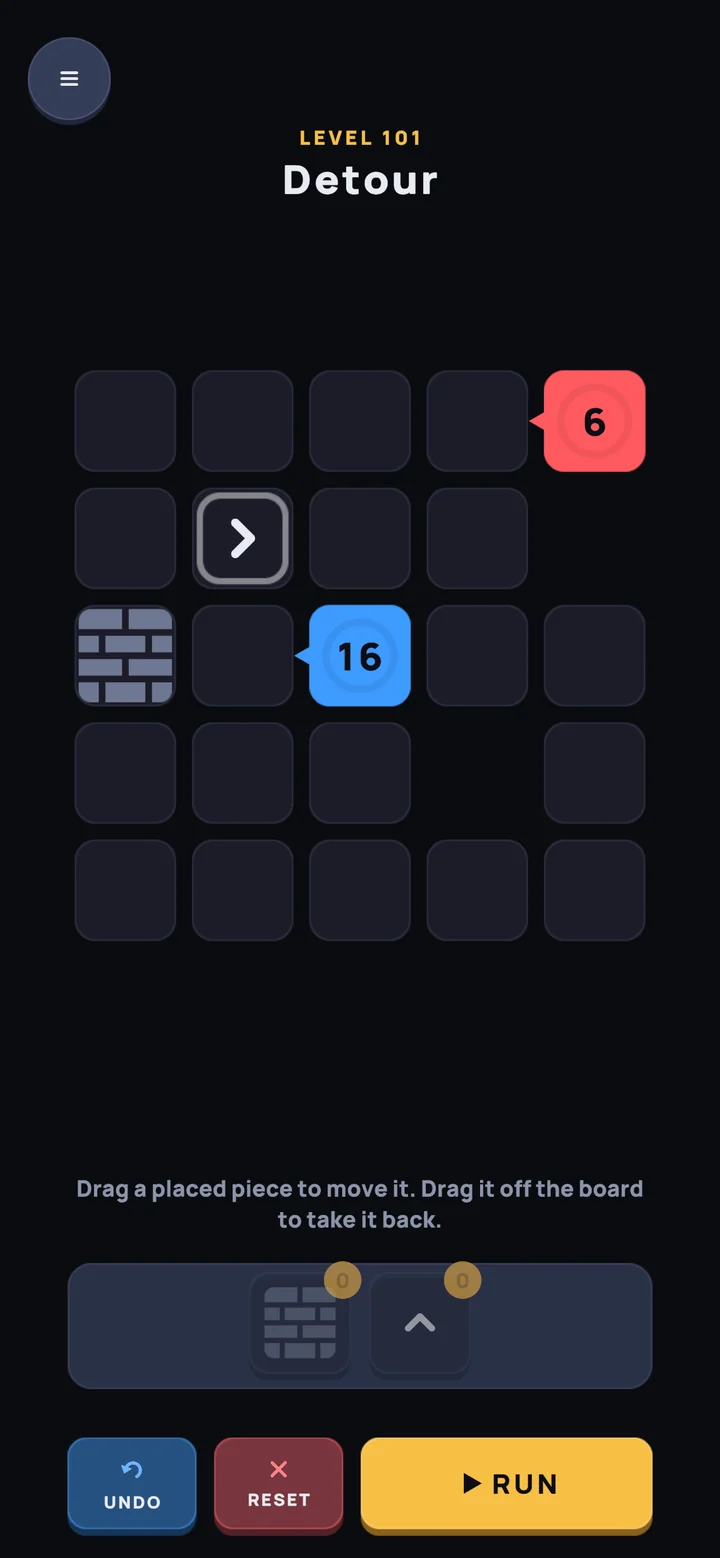
The first chapter starts with one core and one arrow. You learn the rule by doing it: straight, else right, else left. Then the board grows, more lines arrive, and new pieces appear every few chapters. See how to play for the full rule, or browse all 20 chapters.
Not on iPhone?
Tickshift is made for Apple devices only. If you are on a computer, open tickshift.download on your phone, or send yourself the link.
Questions
Where can I download Tickshift?
On the App Store for iPhone, iPad and iPhone Duo: search for Tickshift, or open tickshift.download/get on your iPhone, which takes you straight to the App Store page.
How much does Tickshift cost?
Tickshift is free to download. It shows ads, and an optional one-time Remove Ads purchase turns them off. All 500 levels are free, and hints come free too: three to start, then a short video for each.
Is Tickshift on Android?
No. Tickshift is made for iPhone, iPad and iPhone Duo.
Which languages does Tickshift support?
Ten: English, Turkish, German, Spanish, French, Portuguese, Russian, Italian, Japanese and Korean.

