Every Tickshift piece explained: arrows, walls, delays, rotators, splitters and portals
What each of the six Tickshift pieces does, when it shows up, and how to use it: direction arrows, walls, delays, rotators, splitters and portals.
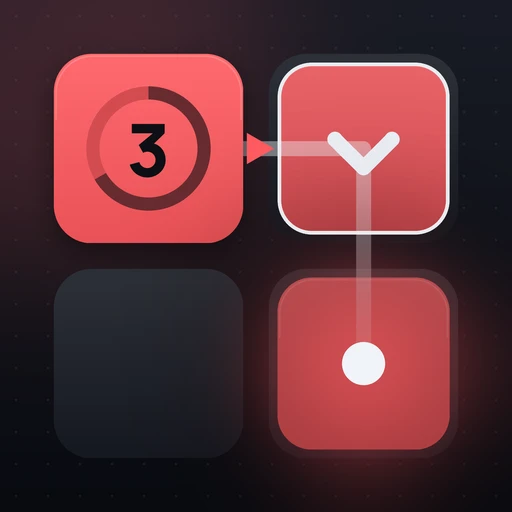

The six pieces at a glance
Direction
Points a line where you want it to go. Tap to turn.
Wall
Blocks a cell, so the line has to turn around it.
Delay
Holds a line for a few steps while the others move on.
Rotator
Turns a line a quarter turn, clockwise or back.
Splitter
Forks one line into two that grow side by side.
Portal
Enter one, come out of its twin on the next step.
Direction arrow
The first piece you meet. When a line enters an arrow’s cell, it takes the arrow’s heading and carries on from there. Tap an arrow while planning to turn it a quarter turn. Most early levels are about one question: which way should this arrow point so that the line fills the corner it would otherwise miss?
Wall
A wall blocks a cell, the same way the board’s edge does. Since a blocked line turns right first, a wall placed in front of a line is the simplest way to make it turn right on purpose. Walls also protect a cell that another line needs later.
Delay
A delay holds a line for a few steps while the other lines keep moving. It is a timing tool: use it when two lines would reach the same cell at the same moment, so one passes first and the collision never happens.
Rotator
A rotator turns a line a quarter turn, clockwise or back, when the line passes through it. Unlike an arrow, it does not set a fixed heading; it turns whatever heading the line already has. That makes it useful when a line can arrive from more than one side.
Splitter
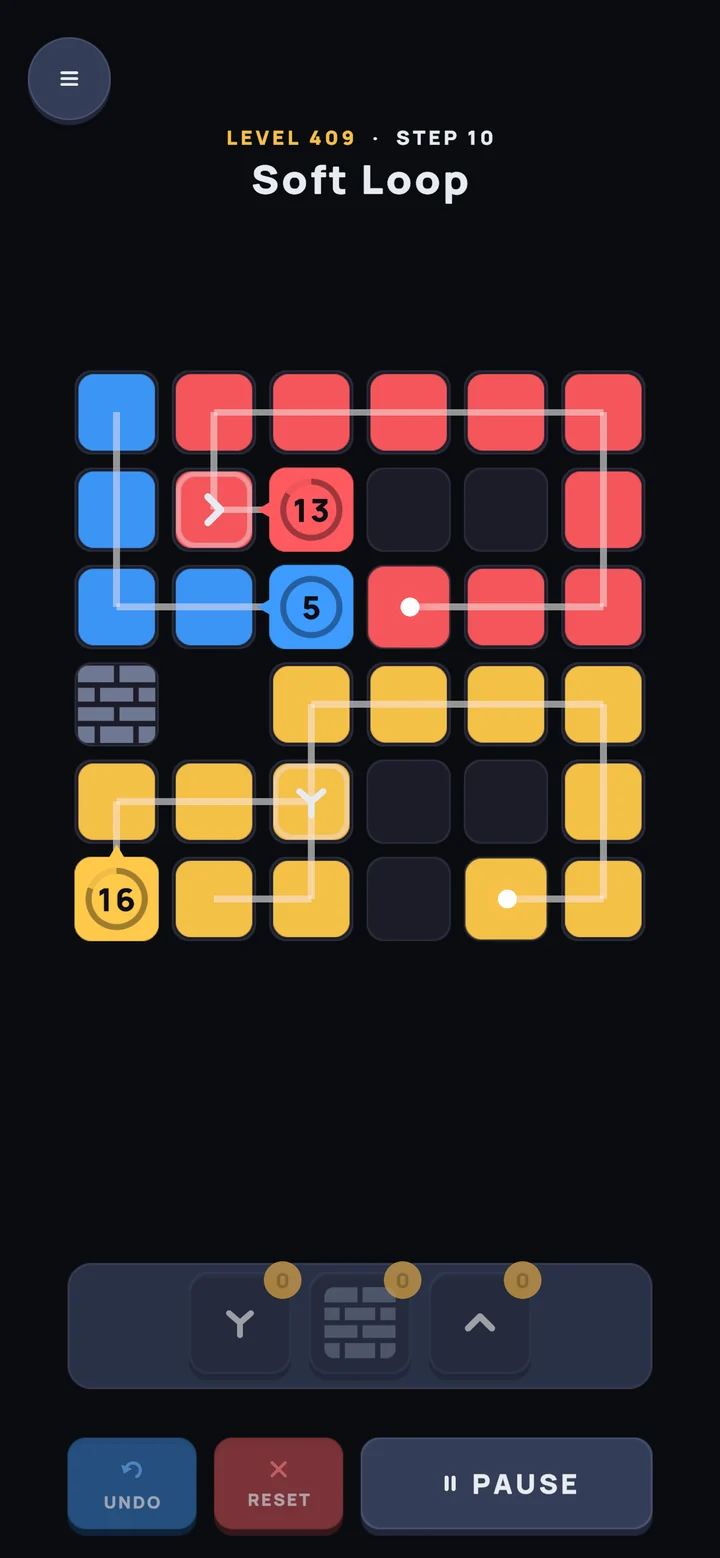
A splitter forks one line into two that grow side by side. The two halves follow the rule on their own from that point, so a single core can cover two areas of the board.

Portal
Portals come in pairs. A line that enters one comes out of its twin on the next step, still following the rule. Portals let a line reach a part of the board it could never walk to, so look at where the twin sits before you place anything else.
New to the game? Start with how to play Tickshift. For harder boards, see the strategy guide.
Questions
How many pieces are there in Tickshift?
Six: direction arrows, walls, delays, rotators, splitters and portals. A new one arrives every few chapters.
Do pieces change the rule?
No. Every line still goes straight, else right, else left. Pieces only change where a line points, when it moves, or where it comes out.
Can I turn a piece after pressing RUN?
No. Pieces are set while you plan. To change one, rewind the level, turn or move it, and run again.

